
4 Things to Know About Yealink Office Phones
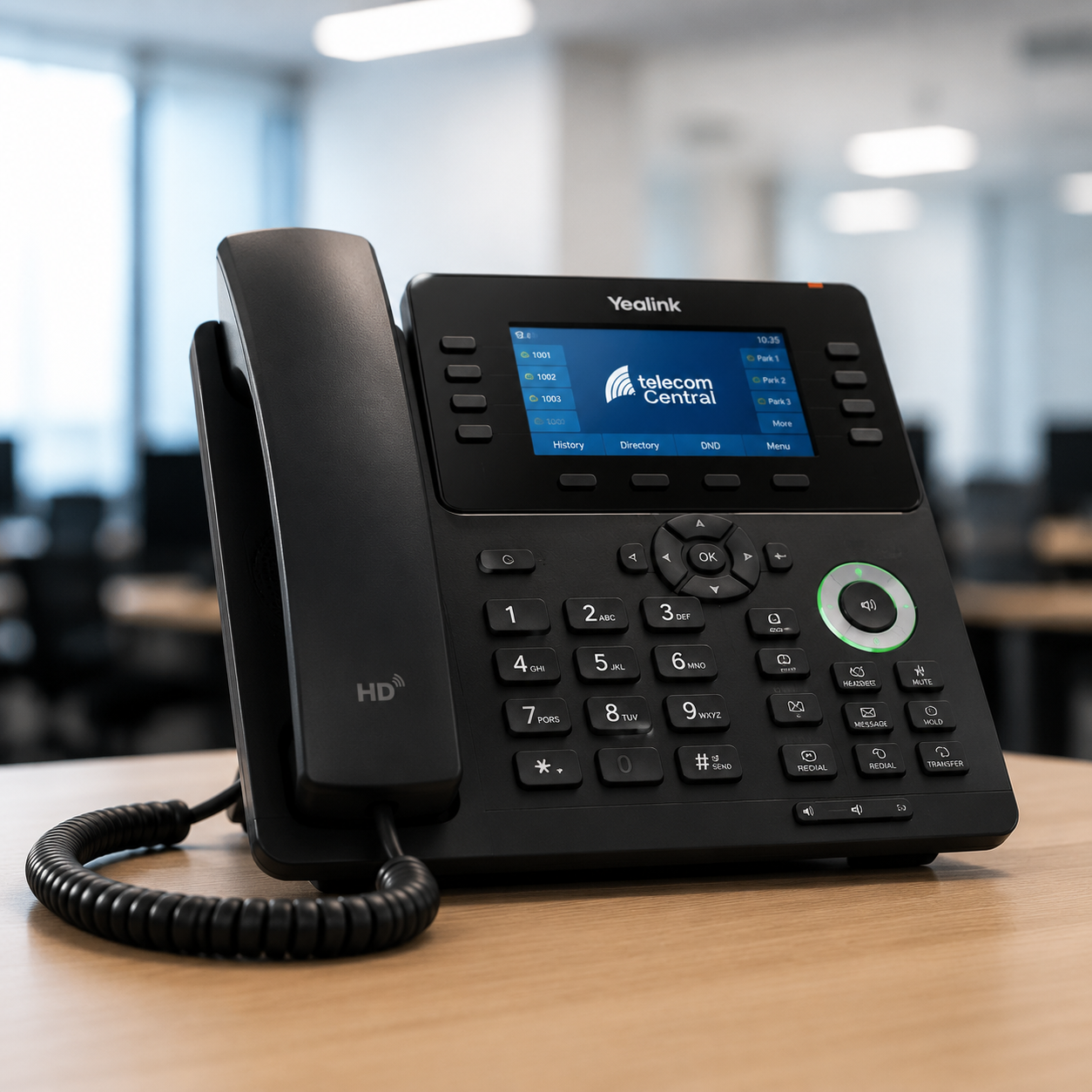
Choose the right model
Not every yealink phone suits every role. Reception teams may need a yealink t54w or t57w with more line keys, while desk users may prefer a t43u or t42s. For flexible working, cordless options like the yealink w73p and yealink w73h are often a better fit.
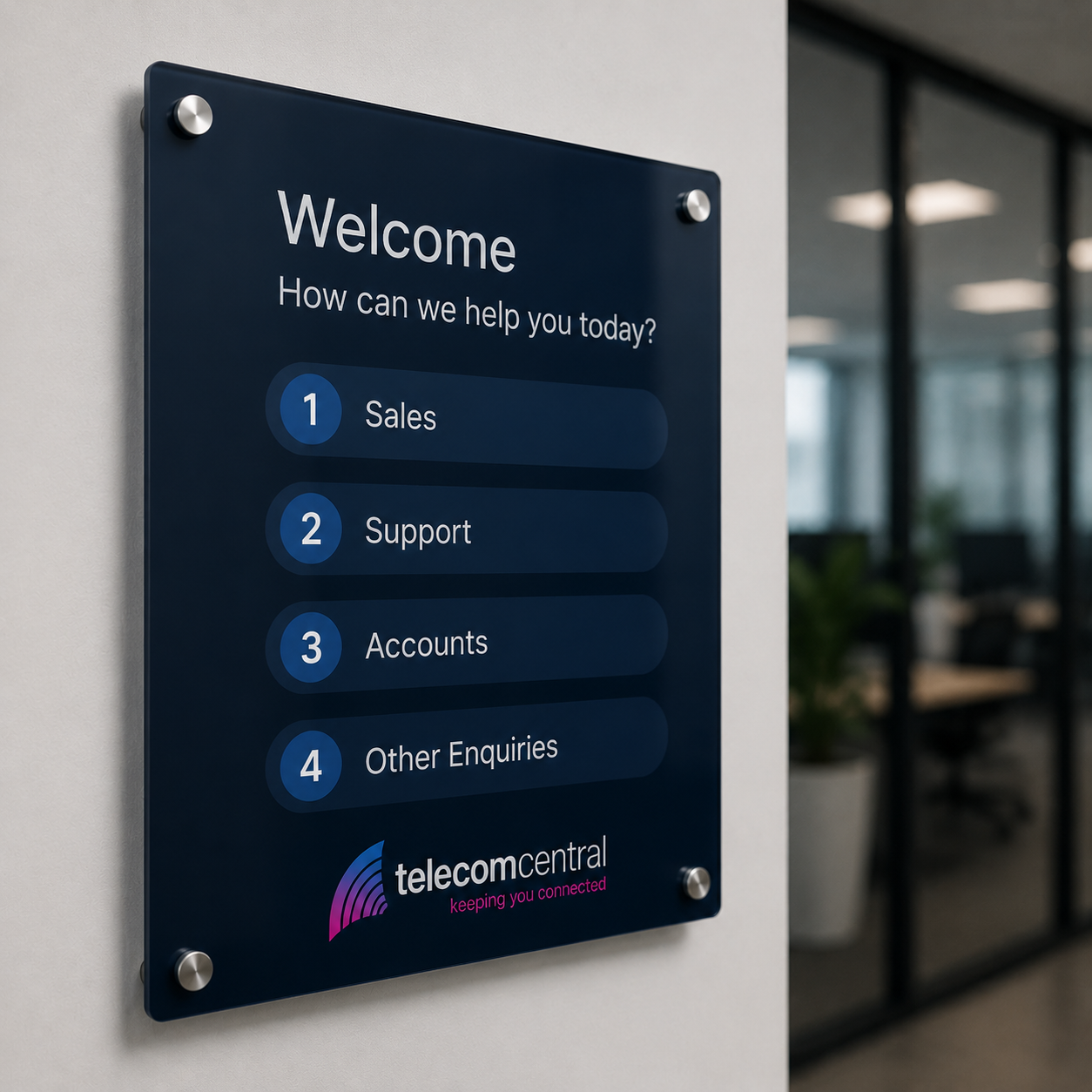
Check your system compatibility
Before ordering any yealink telephone, confirm it works with your existing phone system, broadband setup and network. A yealink voip phone should support your hosted platform, SIP requirements and any accessories needed. If you use older nec phone systems, expert advice may be needed for smooth migration.
Think about connectivity needs
Good performance depends on more than the handset. Your yealink phone system should sit on a stable business broadband connection with reliable Wi-Fi or cabling where required. Features such as Bluetooth, Wi-Fi dongles and DECT base units can support mobile staff, hot desks and changing office layouts.
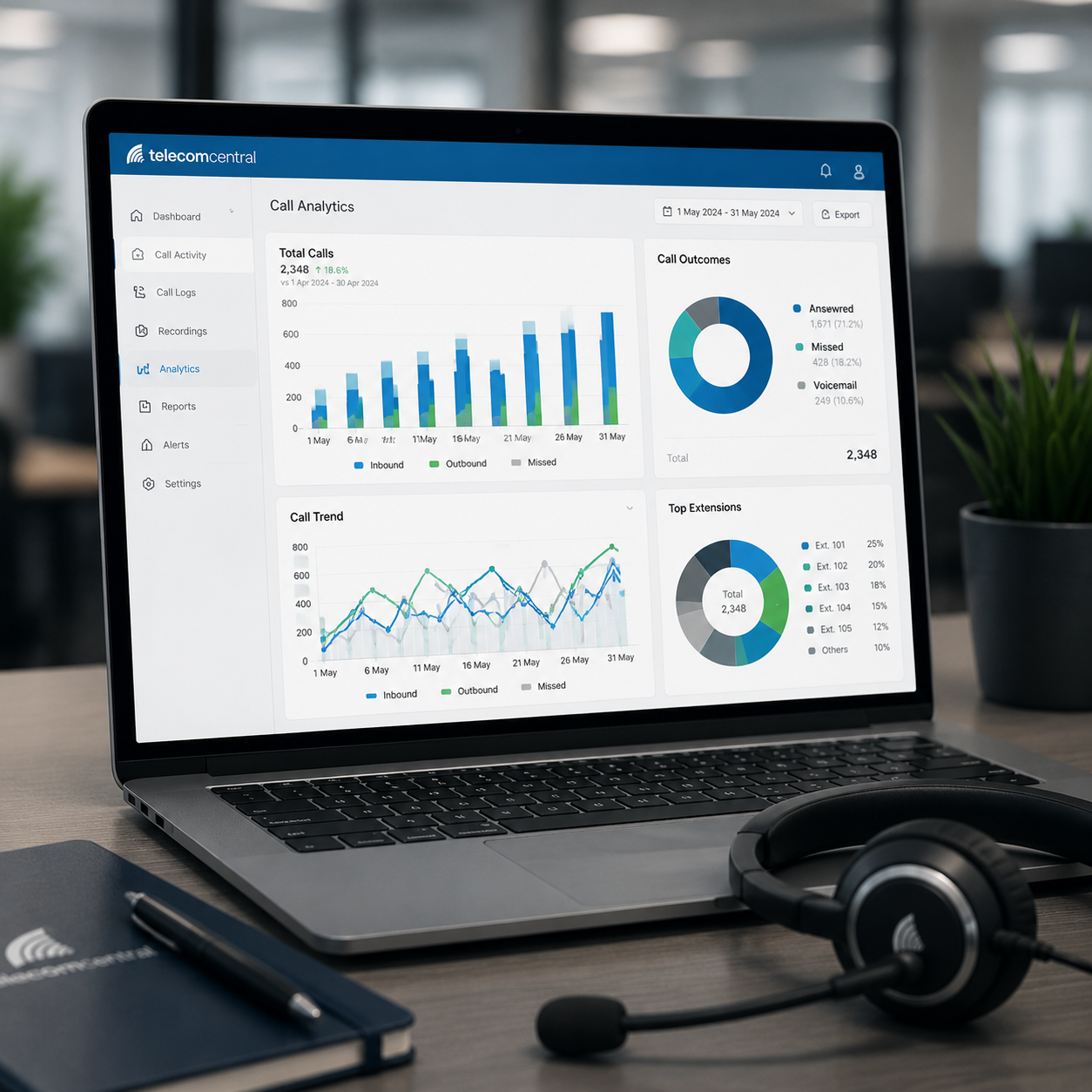
Plan support and expansion
It is worth thinking beyond the initial install. As your business grows, you may need extra handsets, expansion modules, cordless devices or meeting room equipment such as yealink teams room solutions. Ongoing support, maintenance and local installation help keep downtime low and your communications running properly.

The Installation and Support Process
When you choose Telecom Central for your Yealink office phone needs, the process begins with a comprehensive consultation to understand your business requirements. Our Birmingham-based team of experts assesses your current communication infrastructure and discusses your specific needs to ensure a tailored solution. This consultation allows us to select the right Yealink phones and additional equipment that will enhance your business operations, whether you’re a small enterprise or a larger organization.
Once the solution is designed, our skilled technicians handle the installation of your Yealink office phones and any necessary broadband, Wi-Fi, or structured cabling. The installation process is seamless and minimally disruptive to your business, ensuring that your new communication system is up and running efficiently. We take pride in our meticulous attention to detail and commitment to high-quality service.
After installation, Telecom Central provides ongoing support and maintenance to ensure your Yealink phone system continues to operate smoothly. Our local expertise and dedication to reliability mean we’re always on hand to address any issues, offer upgrades, or adjust your system as your business grows. By choosing Telecom Central, you benefit from a partner committed to your communication success.
The 5 Most Important Questions to Ask about Yealink Office Phones
What are the key benefits of using Yealink office phones for my business communications?
Yealink office phones offer exceptional audio quality, seamless integration with VoIP systems, and user-friendly interfaces, enhancing communication efficiency. They support advanced features like call forwarding and conferencing, which streamline business operations. Additionally, their robust design ensures reliability, making them a cost-effective choice for improving connectivity and supporting daily business activities.
How do Yealink office phones integrate with existing VoIP systems and software?
Yealink office phones seamlessly integrate with existing VoIP systems and software through their compatibility with major VoIP platforms and support for SIP protocols. They offer features like auto-provisioning, remote management, and easy configuration, ensuring a smooth transition and efficient operation within your current communication infrastructure.
What kind of support and maintenance services do you offer for Yealink office phones?
We offer comprehensive support and maintenance services for Yealink office phones, including installation assistance, troubleshooting, software updates, and hardware repairs. Our dedicated team ensures your communication systems run smoothly, providing peace of mind and minimising downtime for your business operations.
Can Yealink office phones be customized to fit the specific needs of my business?
Yes, Yealink office phones can be customised to meet your business's specific requirements. They offer a range of models with various features such as programmable keys, integration with VoIP systems, and compatibility with multiple communication platforms, allowing you to tailor the phones to enhance your operational efficiency.
What is the typical installation process and timeline for Yealink office phones in a multi-site setup?
The installation process for Yealink office phones in a multi-site setup typically involves site assessment, network configuration, and device deployment. This process can vary depending on the complexity of the network but generally takes between one to two weeks, ensuring seamless integration and minimal disruption to business operations.
Understanding Yealink Office Phones
Yealink office phones are a popular choice among businesses seeking reliable and efficient communication solutions. Known for their high-quality build and advanced features, these VoIP phones cater to various business needs, from small startups to large enterprises. With models like the Yealink T46S and T54W, users can enjoy crystal-clear audio, intuitive interfaces, and seamless integration with various systems, including Microsoft Teams. Moreover, Yealink’s cordless options like the W73P provide flexibility for mobile work environments, ensuring that teams can stay connected regardless of their location.
Selecting the right Yealink phone for your business can significantly enhance productivity and streamline communication. These devices support a wide range of functionalities, including call management, conferencing, and easy connectivity to other devices. By understanding the different models and their capabilities, businesses can make informed decisions that align with their operational requirements, ultimately improving overall efficiency and collaboration.
Yealink Innovation
Yealink office phones offer seamless integration with Microsoft Teams, enhancing collaboration and productivity for modern businesses.
Frequently Asked Questions about Yealink Office Phones
What are the benefits of using Yealink office phones for my business?
Yealink office phones offer robust connectivity, cost efficiency, and seamless integration with existing systems, enhancing business communication. Their user-friendly design and advanced features support daily operations, making them ideal for both small and large enterprises. Additionally, their reliability ensures minimal downtime, contributing to improved productivity and customer satisfaction.
How can I integrate Yealink office phones with my existing telecom systems?
To integrate Yealink office phones with your existing telecom systems, ensure compatibility by checking SIP protocol support. Configure the phones using your system's settings, and consider professional installation for seamless integration. Our team can assist with tailored solutions, ensuring efficient operation and connectivity within your business infrastructure.
Yealink offers a range of office phones suitable for small and medium enterprises, including models like the T54W, T43U, and T57W. These VoIP phones provide excellent connectivity and functionality, supporting efficient communication within businesses. Additionally, cordless options such as the W73P and W56H cater to more flexible office environments.
How does Telecom Central provide support and maintenance for Yealink office phones?
Telecom Central offers comprehensive support and maintenance for Yealink office phones through expert local technicians. Our services include tailored installations, troubleshooting, and regular updates to ensure optimal performance. We prioritise reliability and efficiency, providing scalable solutions to meet the unique needs of UK businesses across various sectors.
What features should I look for in Yealink office phones to enhance my business communications?
When selecting Yealink office phones, consider features like HD voice quality, intuitive user interfaces, and compatibility with VoIP systems to enhance communication efficiency. Look for models with advanced connectivity options, such as Bluetooth and Wi-Fi, and ensure they support easy integration with existing business communication platforms for seamless operation.