

What ongoing support and maintenance options are available after my business WiFi setup is completed?
Explore ongoing support and maintenance options for your business WiFi setup. Get expert help with wifi repeater installation. Learn more.
Once your business WiFi installation is complete, the quality of ongoing support and maintenance will determine how reliably your network performs day to day. A well-configured system can still suffer from issues such as interference, changing usage patterns, or new security threats if it is not actively monitored and maintained. Ongoing support typically includes remote diagnostics, proactive performance monitoring, and rapid access to engineering expertise when something goes wrong. This may cover everything from troubleshooting connectivity problems and optimising access point placement, to configuring additional WiFi repeaters as your premises or workforce expands. For many organisations, especially those without in-house IT teams, a structured support agreement provides reassurance that any disruption will be handled quickly and professionally.
Maintenance options usually range from basic break–fix support through to fully managed WiFi services. At the lighter end, you might choose ad hoc engineering visits and telephone support for occasional issues. More comprehensive options can include regular health checks, firmware and security updates, configuration backups, and performance tuning to ensure coverage and speeds remain consistent as your business changes. Where repeaters or additional access points are required, support can extend to site surveys, installation, and ongoing optimisation to minimise dead zones. By choosing the right level of ongoing support, you can keep your WiFi infrastructure stable, secure, and ready to scale with your organisation.
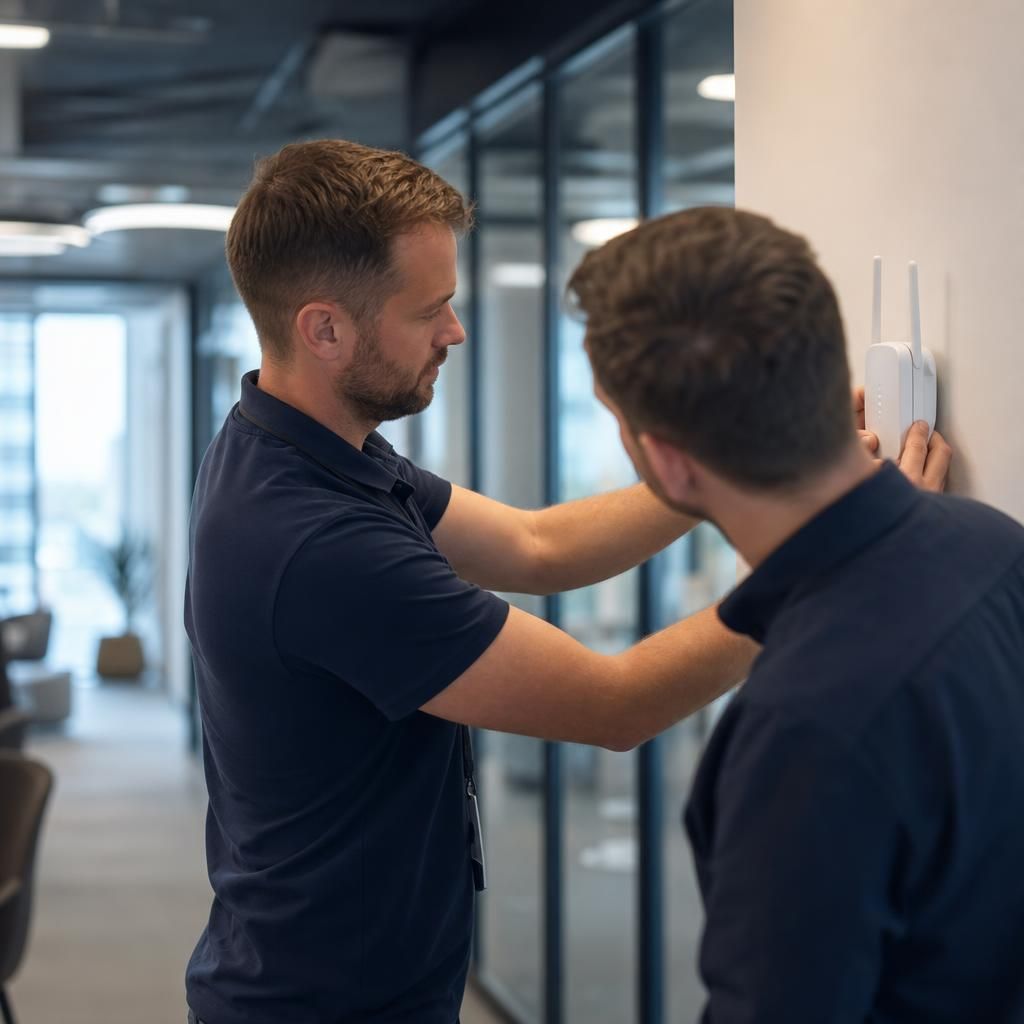
Ongoing support typically begins with a helpdesk or service desk facility, providing remote assistance for common WiFi issues such as slow speeds, intermittent dropouts, or devices failing to connect. Engineers can often diagnose problems remotely by accessing your network controller, checking signal strength, channel usage, and device load, then applying configuration changes without needing to visit site.
For more complex or persistent issues, on-site engineering visits are usually available. These may include full WiFi surveys, spectrum analysis to identify interference, and physical checks of access points, cabling, and repeaters. Where coverage gaps are found, additional repeaters or access points can be specified, installed, and tested to ensure seamless roaming and adequate capacity.
Many organisations opt for a managed WiFi service, where the provider takes responsibility for ongoing monitoring, firmware updates, security patches, and performance optimisation. This approach helps protect against vulnerabilities, maintains compliance with security policies, and ensures your wireless network continues to support business-critical applications reliably.
Ensure Your Business WiFi Runs Smoothly
Discover our expert support and maintenance services that keep your business WiFi performing at its best. From installation to troubleshooting, we've got you covered every step of the way.
Contact Us